06 / UX/UI / Landing Page / Education
Kristin Watson
Build confidence. Make the next step clear.
Explore the website ↗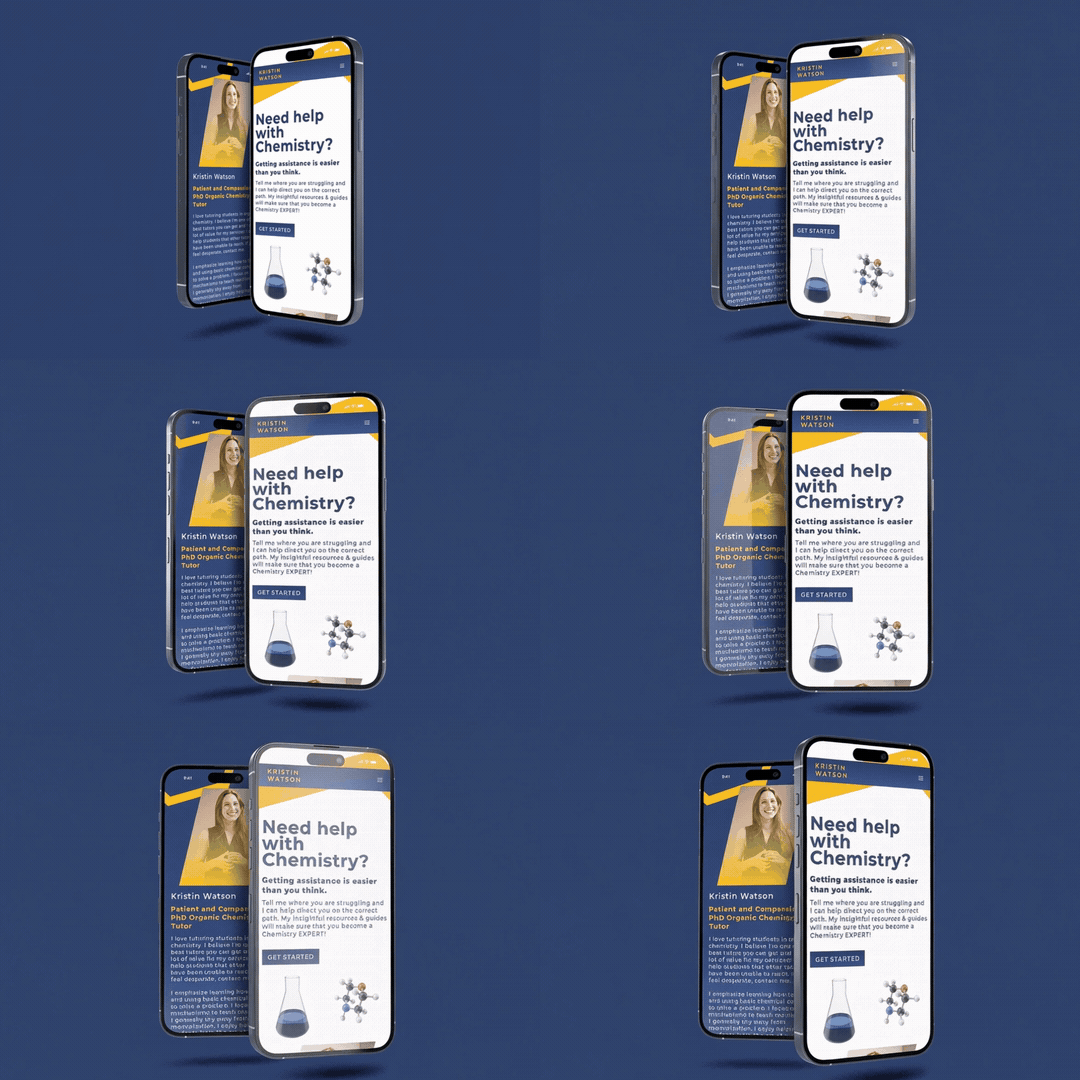
The task
A prospective student needs to compare online and in-person lessons, understand the rates and find an inquiry path.
My contribution
I designed and built a responsive tutoring website, connecting the tutor’s credentials, lesson plans, reviews and inquiry form.
The approach
A self-initiated tutoring website with parallel plan cards, consistent $25/$50 rates and anchored inquiry actions.
What I built
A tutoring website that connects qualifications, lesson choices and an inquiry form.
Visual System
Color
#2D426DBrand blue
#F8C32BAction yellow
#B2B2B2Neutral gray
#FFFFFFPaper
Typeface
Montserrat
AaBbCc Gg Qq 0123456789
Shared display and interface typography.
RegularMediumSemiboldBold
Actions & patterns
Blue and yellow actions support the lesson-plan and inquiry hierarchy.
Explore the actual work
Explore the website.
Explore the tutor’s qualifications, compare lesson options and inspect the inquiry flow. Matching plan and form rates keep the choice consistent.
01
The task & my contribution
My contribution
I designed and built a responsive tutoring website, connecting the tutor’s credentials, lesson plans, reviews and inquiry form.
The task
Help a prospective student understand the tutor’s qualifications, compare online and in-person lessons and begin an inquiry.
02
Visual & interaction decisions
Credentials before commitment
The introduction and qualifications establish context before the plan cards. Reviews provide supporting information before the contact section.
Two options, one comparison
Matching plan cards make online and in-person lessons easy to compare, with the rate, benefits and next step in the same position.
A short anchored journey
Get Started moves to the plans, then the plan actions move to contact. Navigation color transitions use 0.35-second timing to keep feedback restrained.
03
Functional & interaction QA
Journey review
The plan cards and inquiry options use the same rates: $25 online and $50 in person. Matching information keeps the lesson choice consistent across the page.
04
Reusable systems
Parallel plan structure
Matching cards use the same rate, benefits and action hierarchy for both lesson types. Shared navigation and anchored sections keep the page organized.
One source for pricing
Plan cards and inquiry options share the same lesson names and rates, keeping the choice consistent from comparison to contact.
05
Design through implementation
Plans to inquiry
I connected lesson-plan actions to the inquiry section so visitors can move from comparing options to expressing interest without searching for the next step.
A consistent learning experience
Credentials, reviews and lesson choices use a shared type hierarchy and spacing system. Cards stack on small screens while the inquiry controls stay readable and easy to reach.
06
Accessibility
Clear reading and interaction
Visible field labels and distinct lesson choices support the inquiry flow. Qualifications, pricing and contact remain in a clear reading order on smaller screens.
07
The finished work
Built
A tutoring website that connects qualifications, lesson choices and an inquiry form.
Delivered work
Credentials, lesson choices and one consistent inquiry flow